

Authentication & Access
Authentication options for your team
As an Enterprise Group Admin, you can configure how teammates authenticate from the Teammates page in your Enterprise Group dashboard.
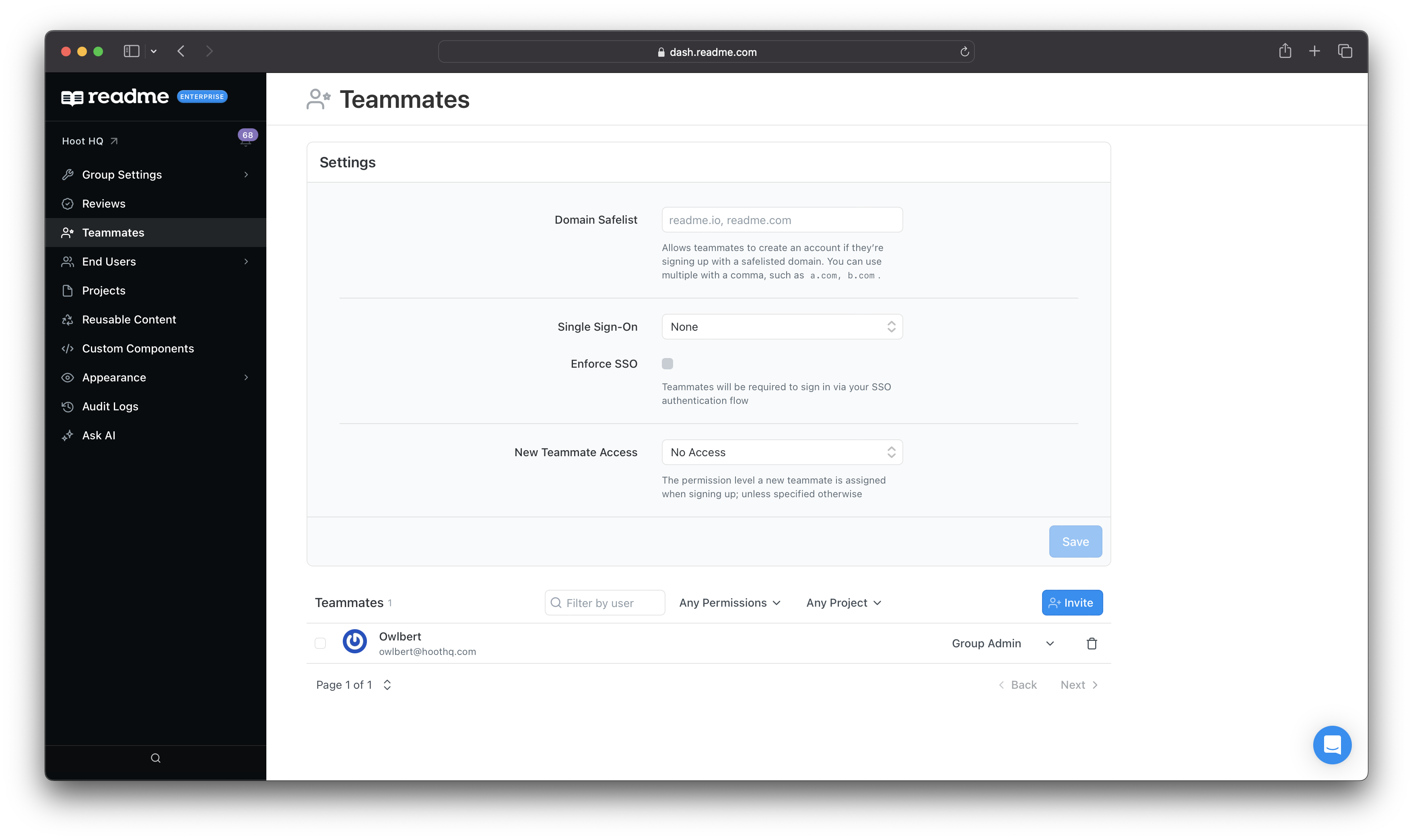
Login Methods
The top of the Teammates page controls how Teammates sign in. Choose the method that matches how your organization manages accounts.
Need additional support? Contact your CSM or reach out to [email protected] at any stage of setup.
Invite Teammates
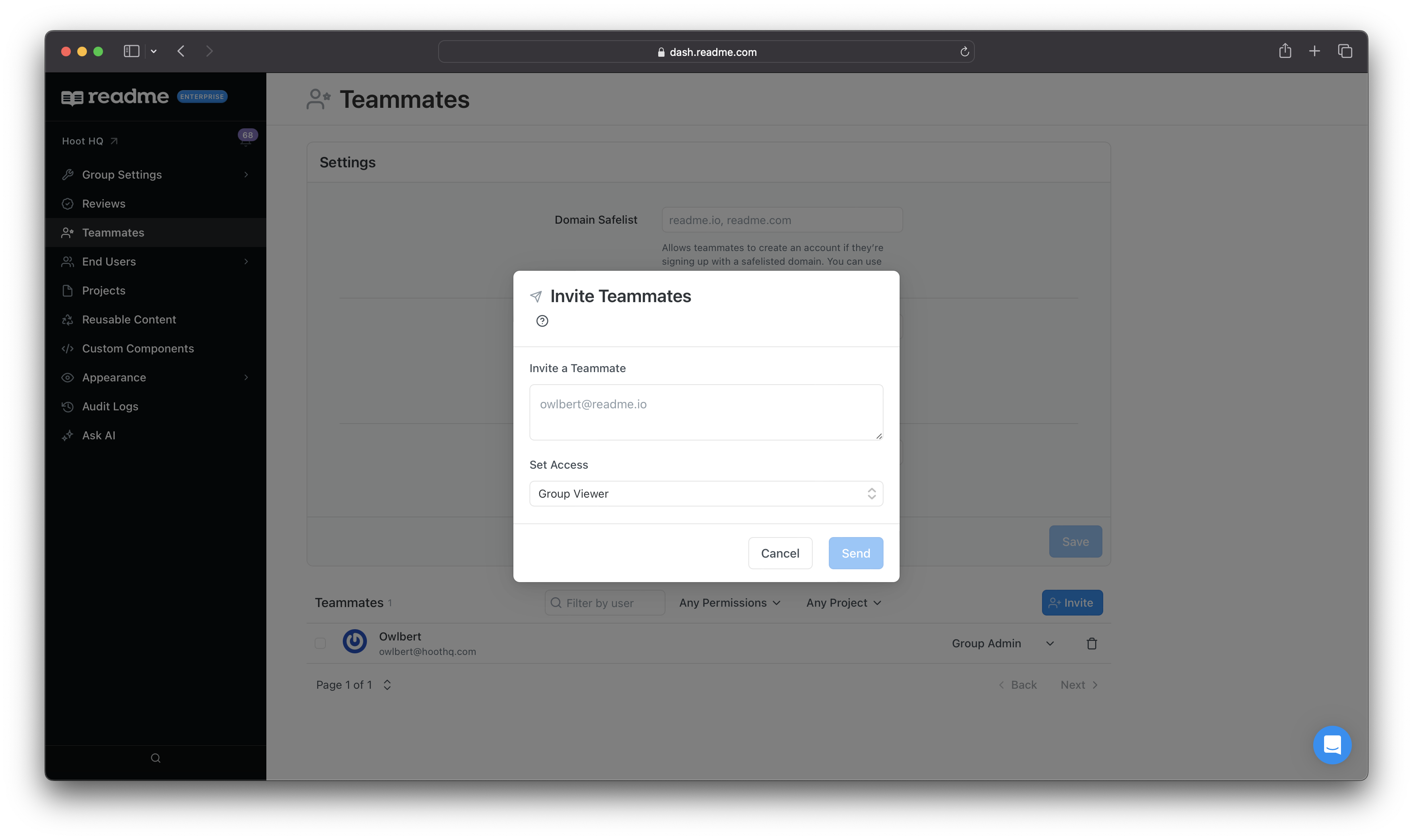
Inviting teammates directly is the quickest way to add people to your ReadMe Enterprise Group, and it works as a standalone option independent of a Domain Safelist or SSO.
To invite a teammate, use the Invite button on the Teammates page in your group dashboard, then enter their email address and the role you want them to have.
Manage Teammate Access
The lower portion of the Teammates page has a table displaying every teammate in the group. You can filter by every project in your Enterprise Group or by role. You can find, filter, and add Teammates, then adjust their access to some or all projects.
For a full breakdown of each role and how Group and project permissions combine, see Teammates and Roles.
Updated 3 months ago