

Manage Your Group
Get started with Enterprise Group management
Your Enterprise Group is a centralized place to manage settings, styles, and configurations at the highest level.
Groups vs. Projects
Your ReadMe Enterprise account is organized into two levels: a Group and Projects. Understanding this hierarchy is the foundation for everything else in your Enterprise setup.
Groups
Your Enterprise Group is your organizational hub. It sits above your individual projects and allows you to manage shared settings, design, and access across all of them at once. Think of it as the container that houses your projects.
Projects
A project is your developer hub and documentation site. Projects live inside a Group, inheriting certain settings from the parent while maintaining their own project-level configuration.
Your Group Dashboard
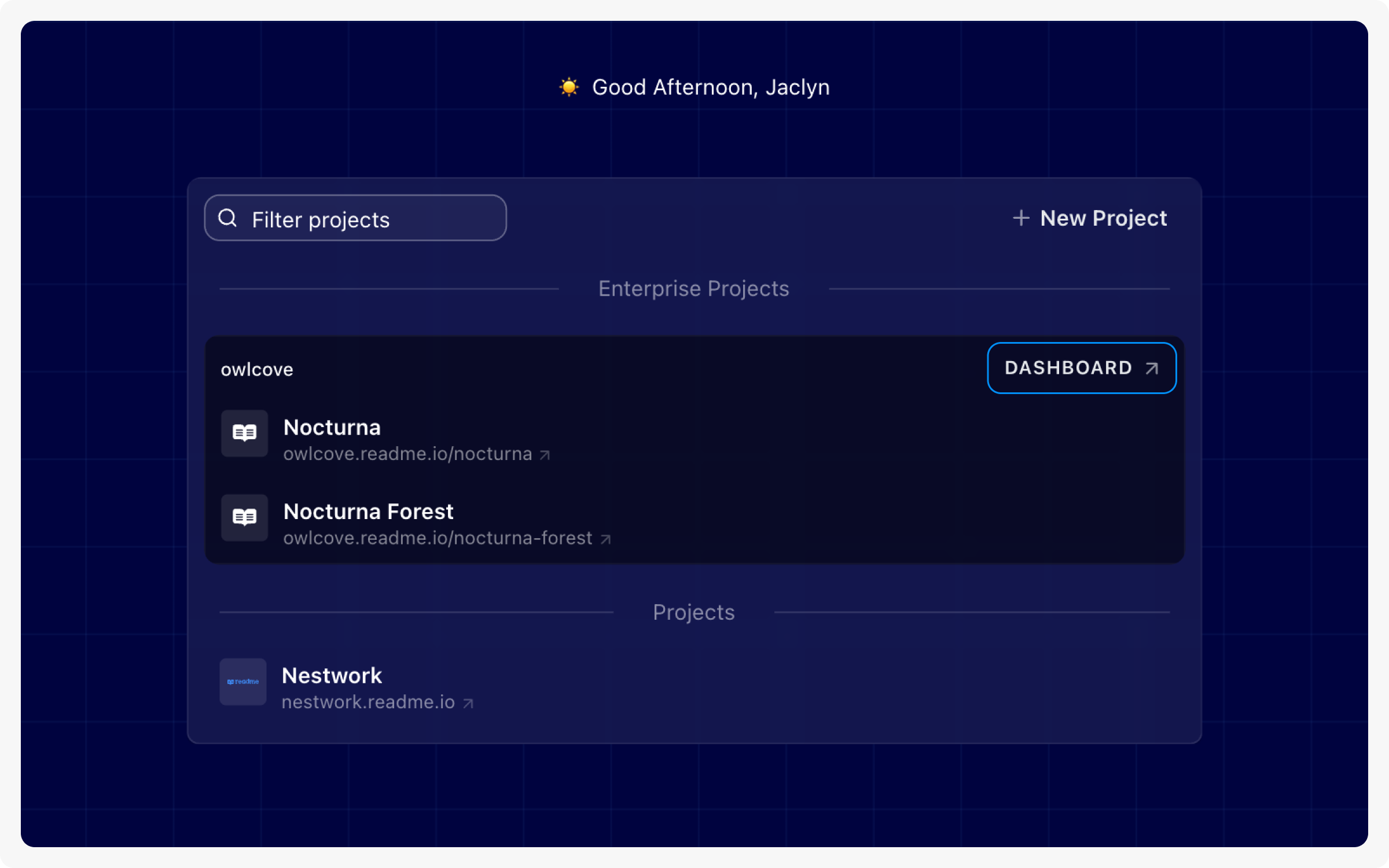
When you first log in, you'll land on a list containing all of your ReadMe projects. These are organized by Groups.
- Group - If your account includes an Enterprise Group, you'll see a Group section containing your group's projects, along with links to the Group Dashboard and Group Settings.
- Projects - Projects outside the Enterprise Group appear in a separate section. These projects do not inherit any settings, styles, or configurations from the group and are fully standalone.
To access the Group Dashboard, click the Dashboard icon on the upper right corner of the group tile.
Navigate the Group Dashboard
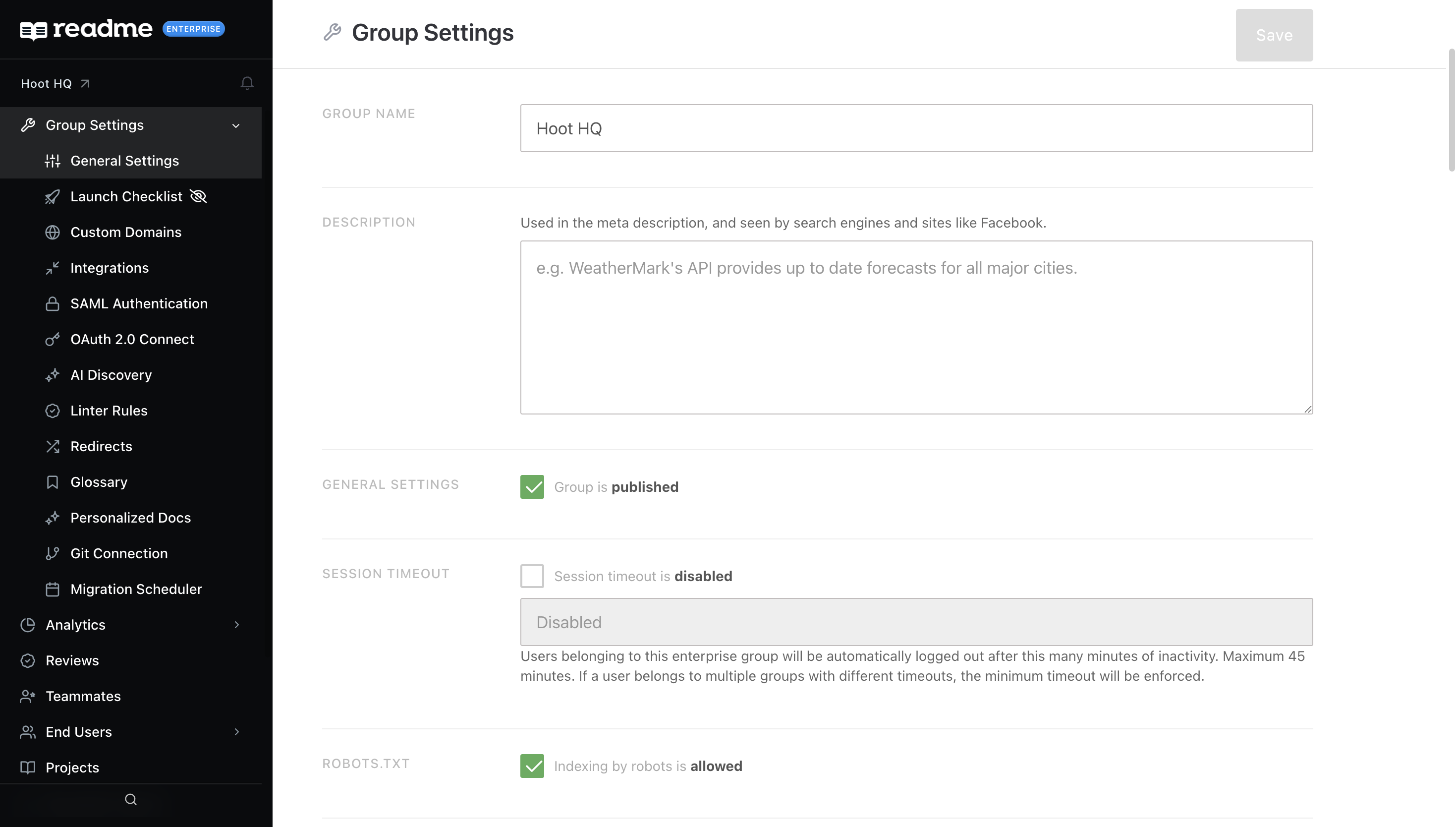
When you navigate to your Group Dashboard, you'll land on the Group Settings page. From here, you can manage settings that apply across all projects in your group, including General Settings, Custom Domains, Integrations, and more.
Use the left-hand navigation to explore additional options such as Teammates, End Users, Appearance, and Audit Logs.
Group Structure & URL Hierarchy
Your Group provides a single custom domain, with each project accessible as a path within it. Here are examples with three child projects:
What Your Group Controls
Your Enterprise Group provides shared settings that apply across all child projects:
- Global CSS — Write custom styles once and apply them across every project.
- Custom JavaScript — Add global JS rules that apply across all child projects.
- Third-Party Integrations — Manage integration settings globally across projects.
- Global Landing Page — A single entry point that houses all of your child projects.
- Custom Domain — Set once at the Group level; child projects inherit it as subpaths.
Child project settings take precedence over Group-level settings in most cases. When both levels are configured, such as custom CSS, both sets of declarations are applied together.
Roles & Permissions
Understanding roles is important before inviting teammates to your Group or its projects.
Updated 28 days ago