

Translations
Support multi-language documentation for your global audience.
✨ Refactored ExclusiveThis feature is currently only available in the ReadMe Refactored experience. If you're using the Legacy platform, you'll need to upgrade to Refactored to access this functionality. Learn more about ReadMe Refactored →
Translations support your documentation in multiple languages, streamlining your workflow by allowing you to edit your original and translated docs on ReadMe.
End-User View
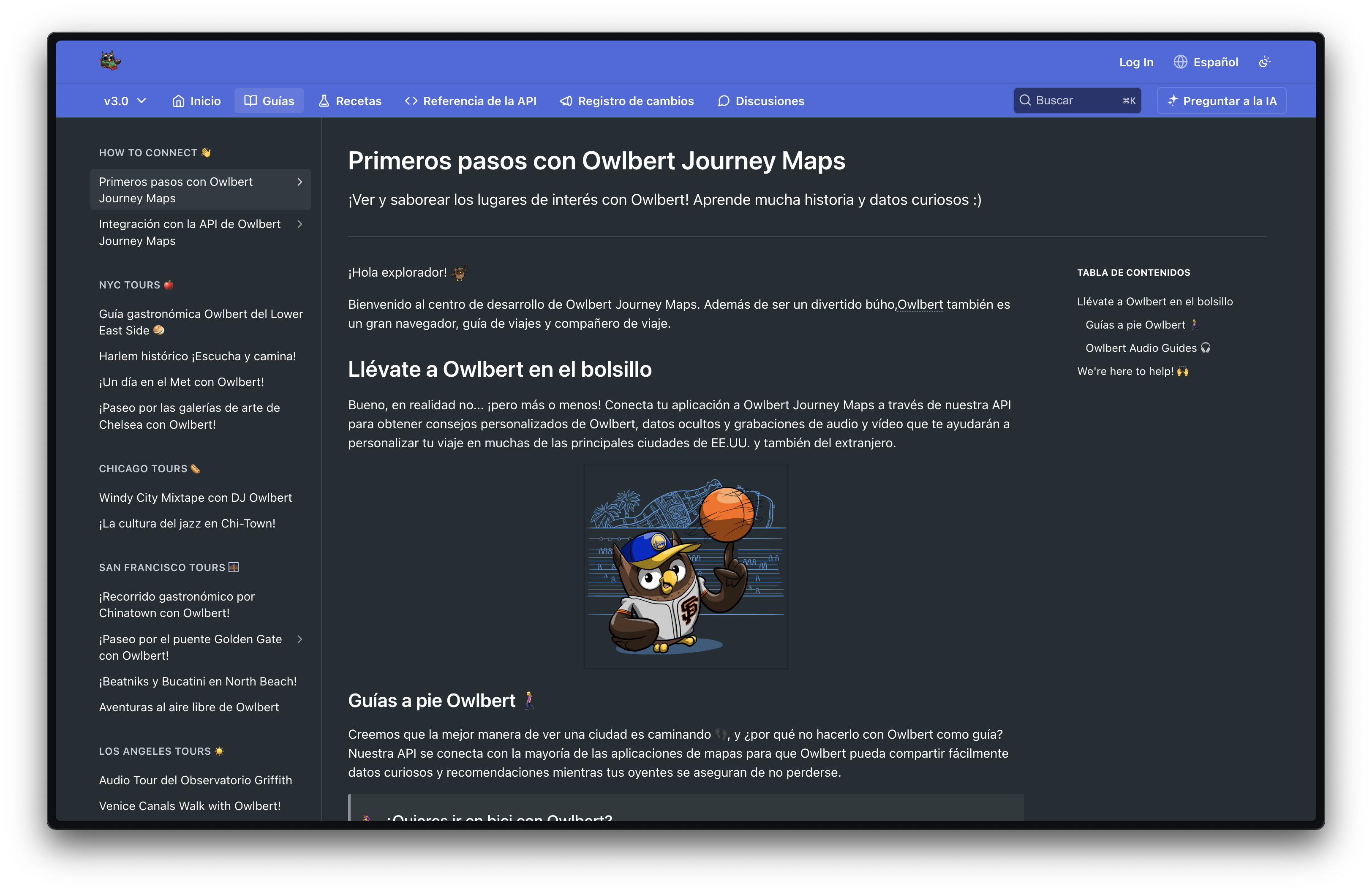
End users can select their desired language to view your documentation in. Navigation, search, and all platform-provided content on the page are translated automatically.
Search
Content in each language is automatically indexed for search. When users perform a search, they see results limited to the language they currently have selected, ensuring that search results are consistent with the language they’re viewing across the documentation.
When users search across Enterprise projects within the same group, results are pulled from different versions depending on the project. The active project returns results from the version the user is currently viewing, while all other projects return results from their stable versions. Projects that do not have translations available in the selected language are excluded from search results.
Configure
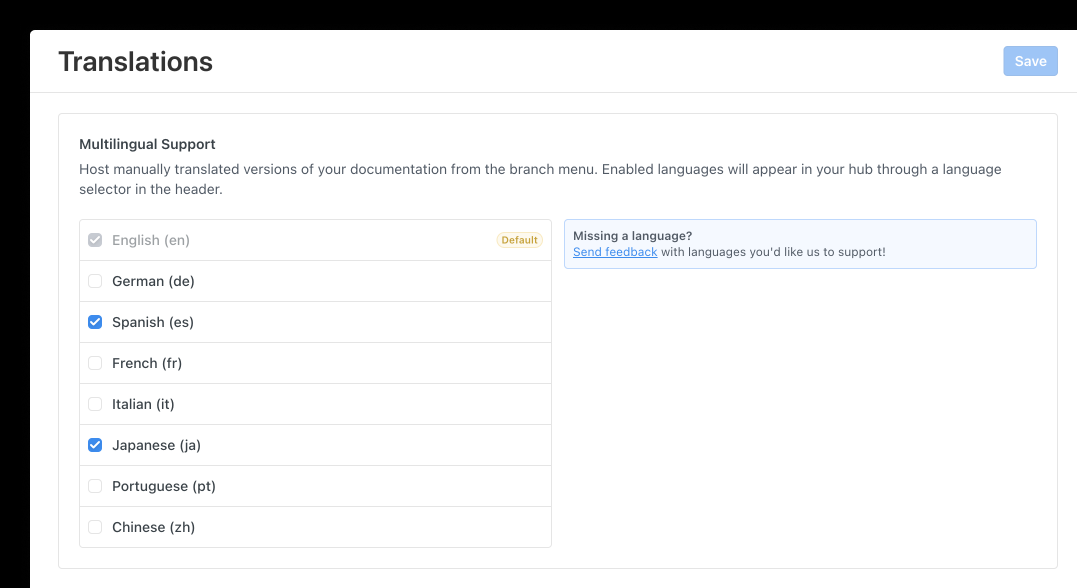
Enable your preferred languages in the Group Dashboard. Once enabled, they automatically become available across all child projects for you to manage.
Currently supported languages: English, German, Spanish, French, Italian, Japanese, Portuguese, Chinese, Korean, and Dutch.
Supporting a New Language
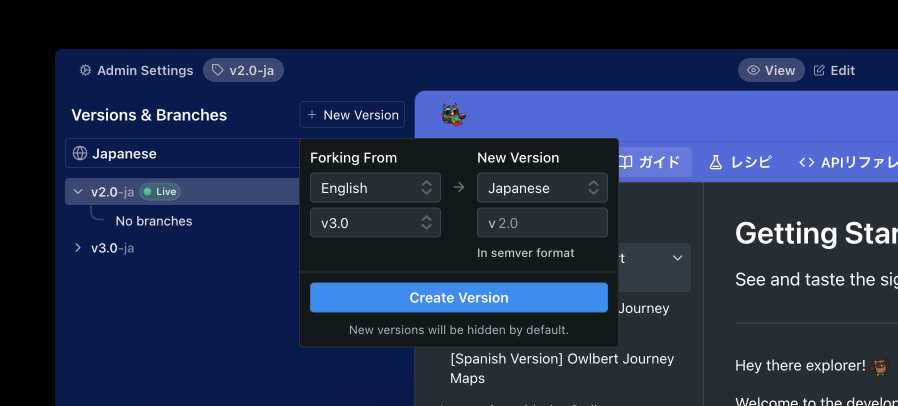
After you enable your preferred languages in the Group Dashboard, your child project will have an updated Versions menu that supports the selected languages. Everything works the same as versions and branches do today, with a few differences:
- A language picker appears at the top of the Versions & Branches menu, allowing you to switch between selected languages.
- In non-default languages, version names are appended with their language code (for example,
-esfor Spanish). - If a language has no versions, it does not appear to end users in the Hub language picker.
- You can fork from an existing version in any supported language.
Updated last month