

Slack
Connect Slack to draft documentation with the AI Writer, receive personal notifications, and post updates to channels.
Connect Slack to your ReadMe project and your team can draft docs with the Slack AI Writer, get notified about reviews and discussions, and pipe updates into any channel.
Head to Settings → Integrations → Slack and click Connect Slack to get started.
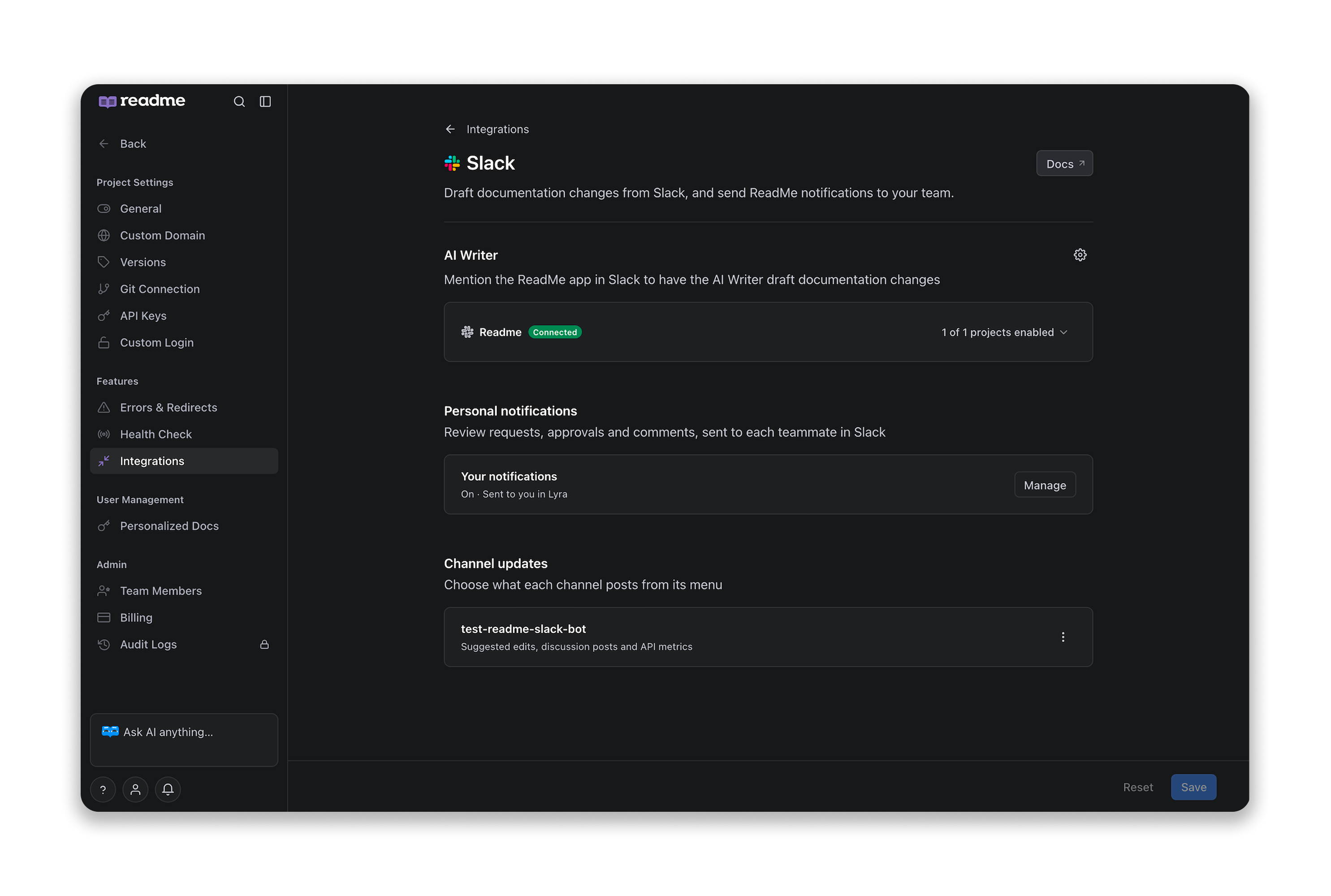
AI Writer
Once connected, turn on the projects you want the Slack AI Writer to access from the projects enabled menu. Mention @ReadMe in any channel or DM to start drafting, editing, and managing docs without leaving Slack.
If the ReadMe app is ever uninstalled from your workspace, hit Reconnect Slack. Your project selections are kept.
Personal Notifications
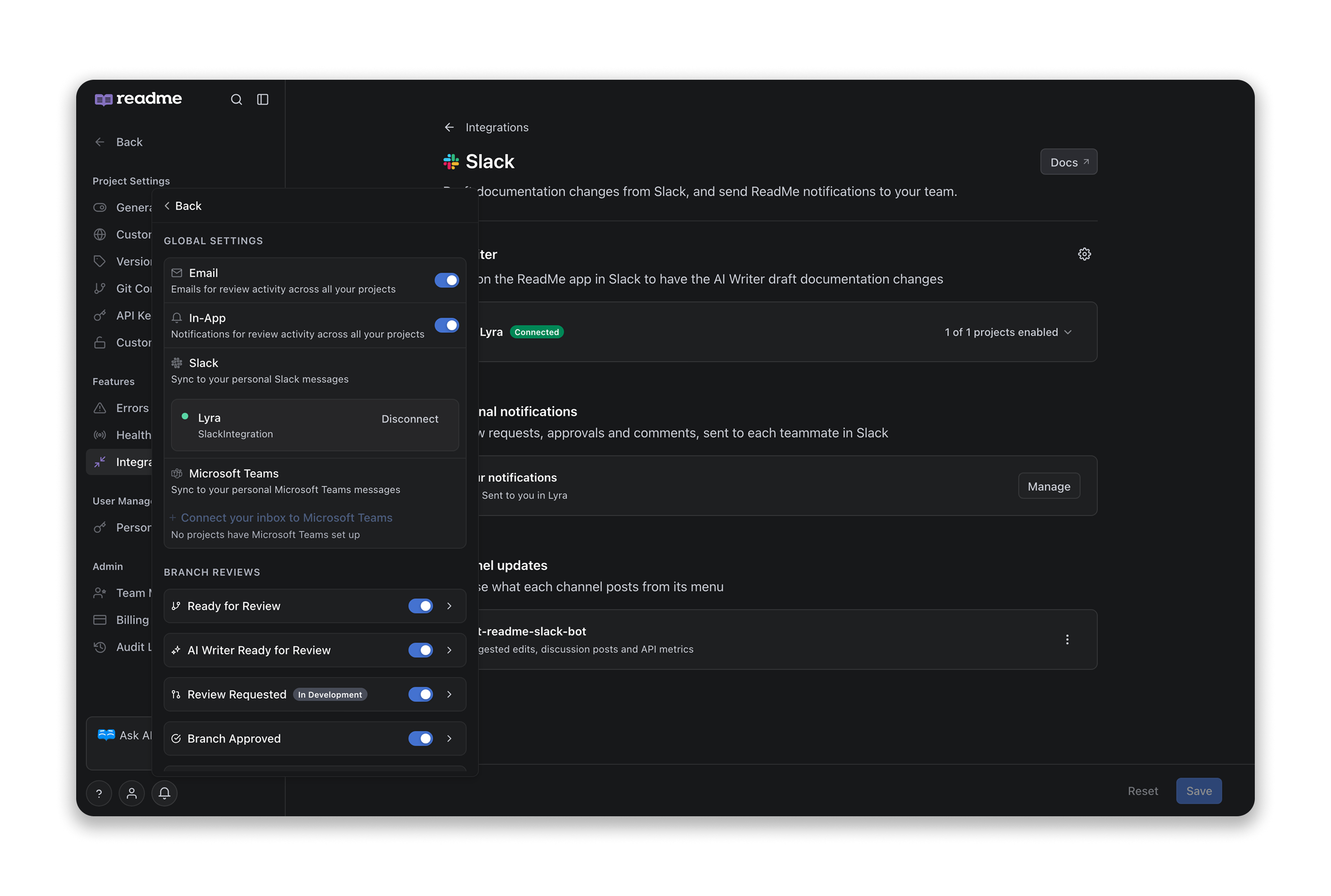
Review requests, approvals, and comments land in each teammate's Slack DMs automatically. One install covers both the AI Writer and DMs, so there's nothing extra to set up.
Each person manages their own notifications from the bell icon in ReadMe. Click Manage on the Slack page to jump straight there.
Channel Updates
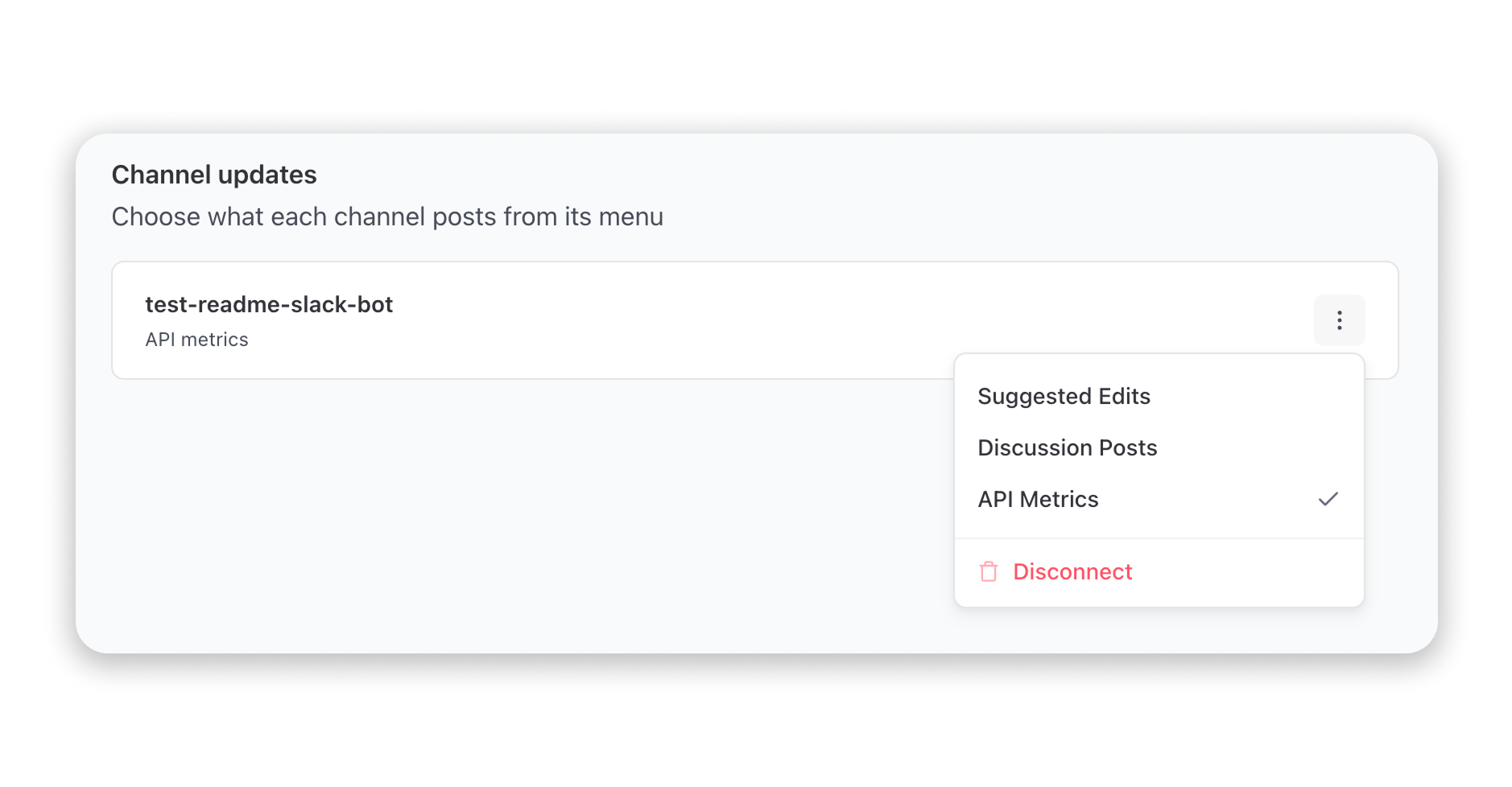
Pick a channel and choose what it posts:
- Suggested Edits: someone suggests a change to your docs.
- Discussions/Support Forums: a new question hits your Discussion Forums.
- API Metrics: periodic reports on API request activity.
Admins click Add Channel to wire up a new one. Each channel's menu lets you toggle post types on or off, or disconnect it entirely.
Branch Rules
Control whether the Slack AI Writer can merge or delete branches from the cog icon on the AI Writer section. Two toggles:
- Allow Branch Merging — lets the Slack AI Writer merge a branch when you confirm.
- Allow Branch Deletion — lets the Slack AI Writer delete a branch when you confirm.
New projects start with both on. Disconnecting a workspace resets both to off.
Available on EnterpriseOn Enterprise, you can connect the Slack AI Writer to any child project in your Enterprise Group. Branch rules apply group-wide and save instantly. Don't have Enterprise yet? Book a demo to see what's included.
Disconnecting
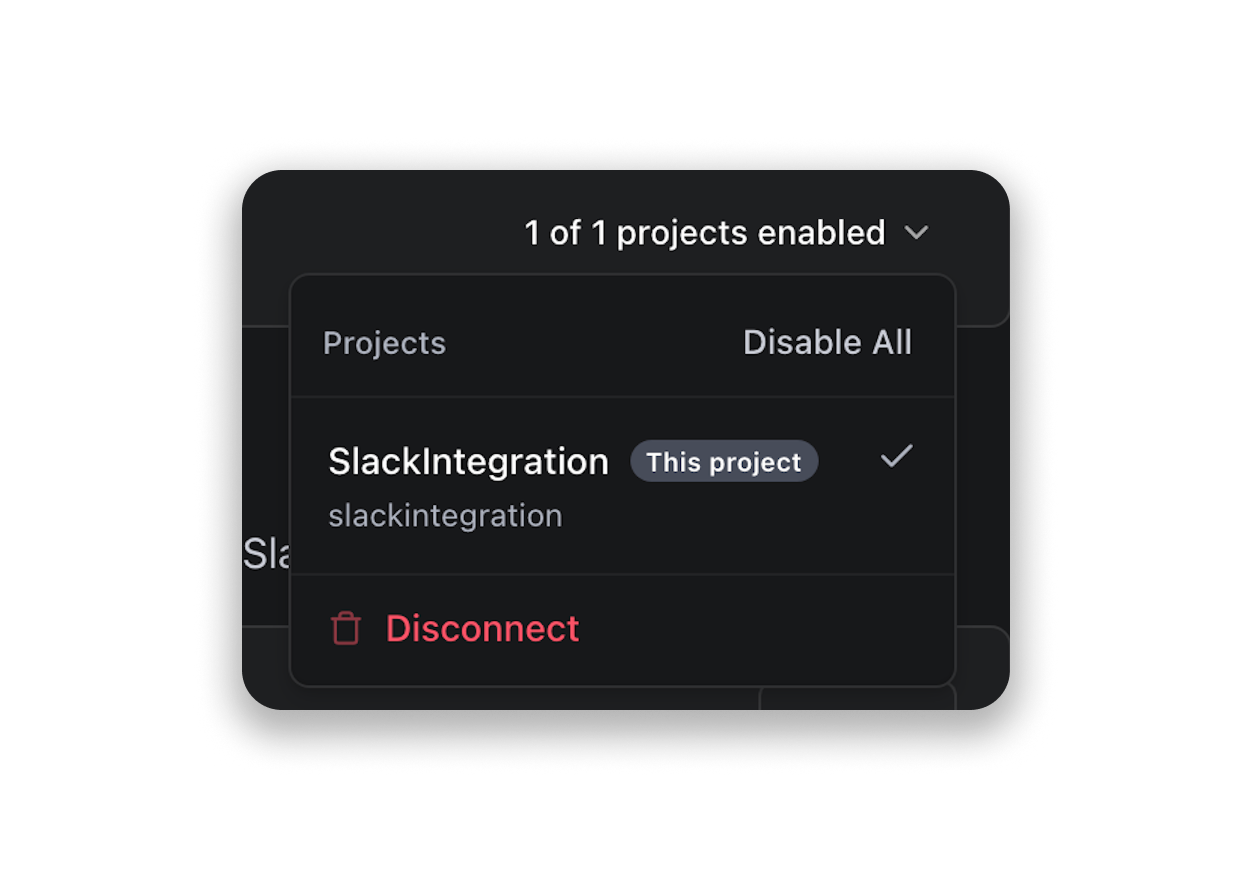
Go to Settings → Integrations → Slack, open the projects enabled menu, and click Disconnect. Branch rules reset to off and the Slack AI Writer loses access. Personal notification preferences are not affected.
Updated 3 hours ago