

Custom Pages
Build a page that keeps your hub's top navigation but replaces everything below it, for landing pages and other full-width layouts.
View this article as a Custom Page
Use Custom Pages when you want to keep your ReadMe project's top navigation but customize everything below the search bar.
What's different?
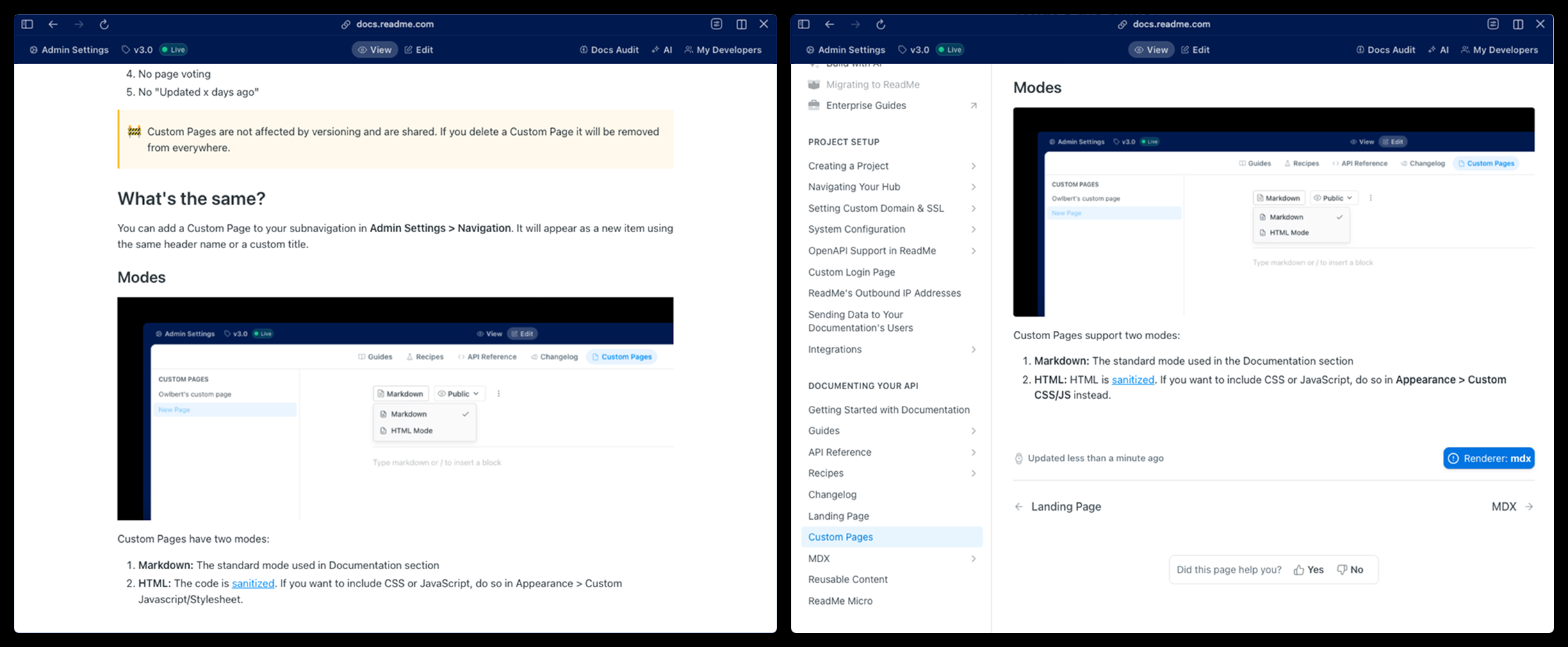
Left: Custom Page | Right: Guides Page
Custom Pages change a few things compared to standard Documentation pages:
- No left sidebar navigation
- No table of contents, even if headers are used
- A different URL path (
/pageinstead of/docs) - No page voting
- No "Updated x days ago"
Custom Pages are not affected by versioning and are shared. If you delete a Custom Page it will be removed from everywhere.
What's the same?
You can add a Custom Page to your subnavigation in Appearance > Navigation. It will appear as a new item using the same header name or a custom title.
Modes
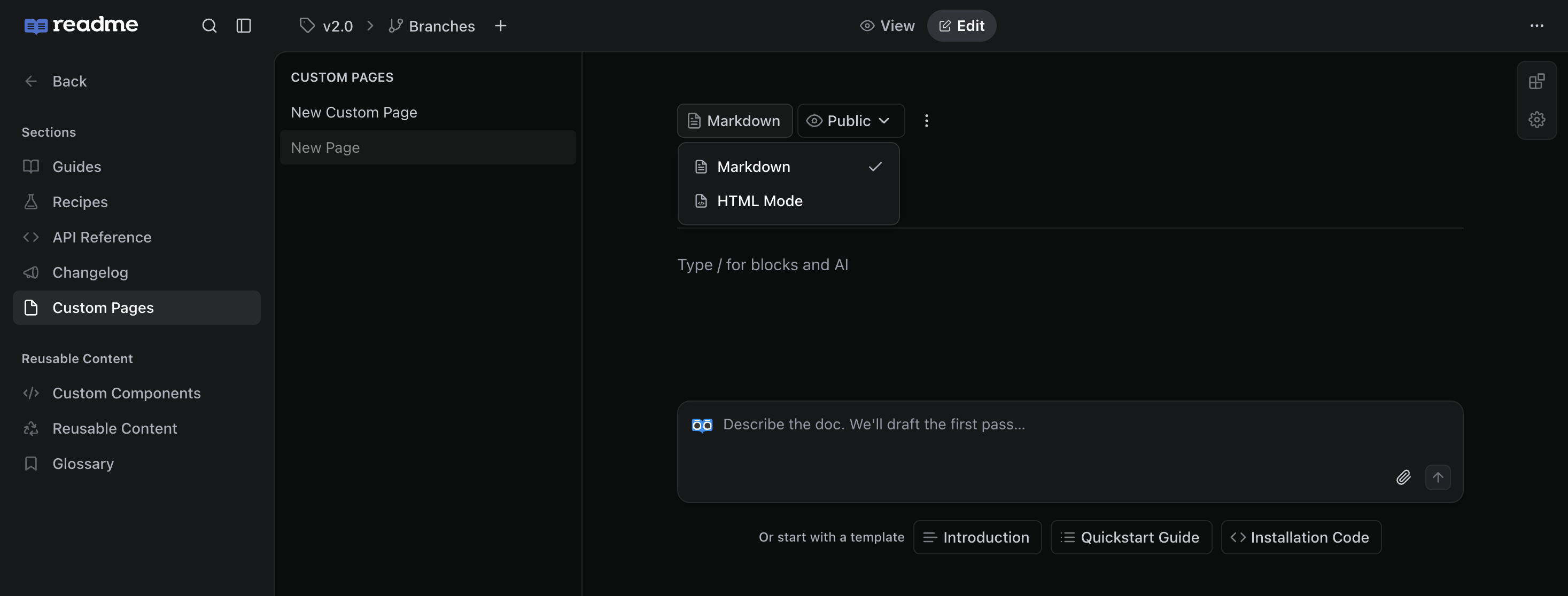
Custom Pages support two modes:
- Markdown: The standard mode used in the Documentation section
- HTML: HTML is sanitized. If you want to include CSS or JavaScript, do so in Appearance > CSS, JS, HTML instead.
Updated 27 days ago
Did this page help you?