

Themes
Set your hub's look from four theme presets, then tune brand colors and typography in Appearance settings.
Customize your project in Theme settings. Open Appearance → Theme in the admin sidebar.
Theme Presets
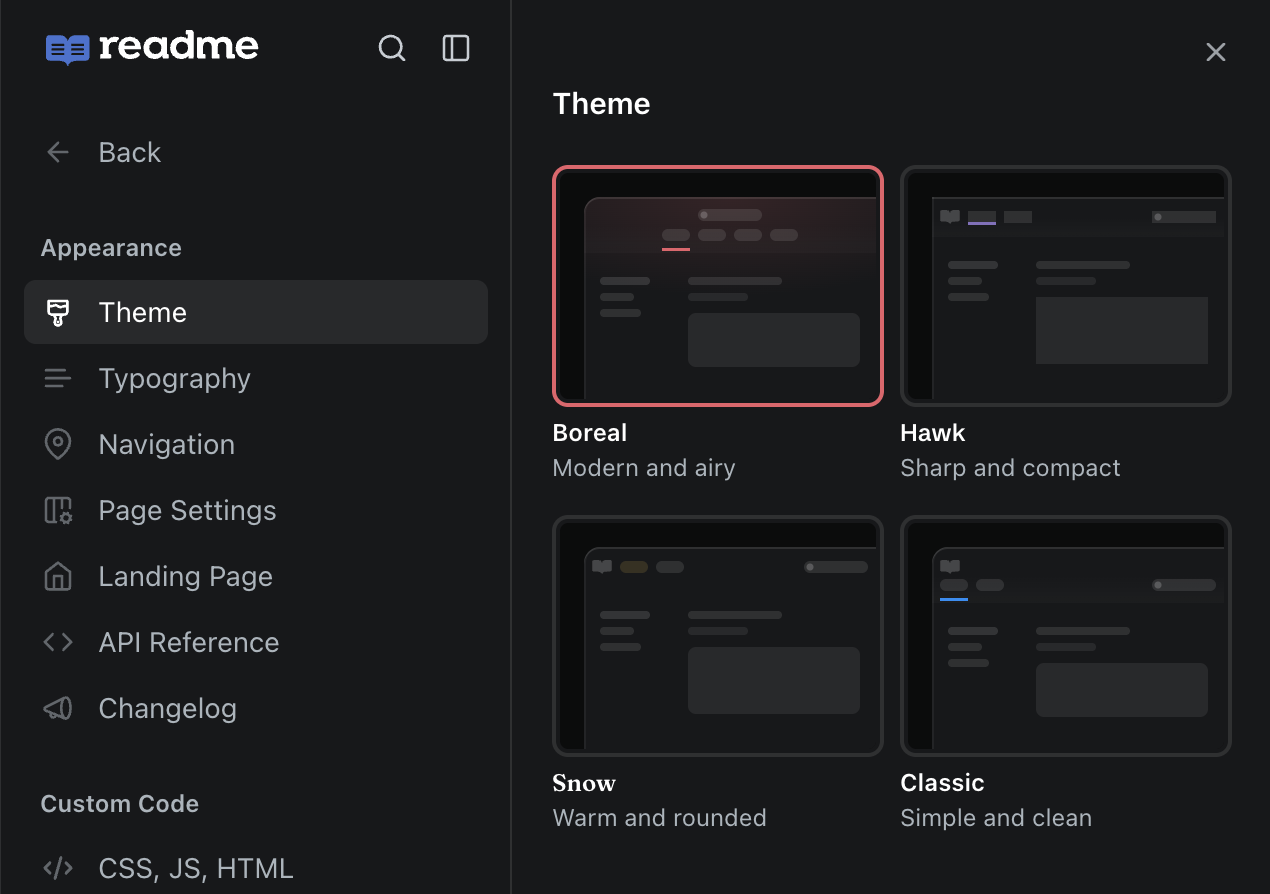
Four theme presets are available: Boreal, Snow, Hawk, and Classic. You can preview them by hovering over each theme on the Theme page:
- Boreal: Modern and airy with a centered layout, soft glow tint, and tab navigation.
- Snow: Warm and rounded with pill navigation and circular button radius.
- Hawk: Sharp and compact with a square border radius, full-width layout, and flat API Reference sections.
- Classic: Solid header color and a classic header layout.
When switching themes, if you have customized settings that differ from the theme, a diff table shows what changes before you confirm.
Theme Features
- Logo Size: Small, medium, and large options
- Navigation Link Styles: Choose between pills and tabs
- Sticky Header: Keeps header pinned to the top of the page when scrolling on all pages except the landing page
- Center Header Links: Center-align your navigation links
- Border Radius: Change button radius to default, circular, or square
- Table of Contents Styles: Line or dots
- Advanced Color Options: Customize background, sidebar border, borders, breadcrumbs, tint, and Ask AI colors with separate light and dark mode values
- Light/Dark Mode Toggle: Preview your color settings in both modes from the settings table
- Override Indicators: See which settings have been customized away from the active theme, with a reset button to revert to the theme default
- API Reference Display Options: Configure method badge style, parameter font, reference sections, request history, and API Reference interactions (parameter inputs, authentication credentials, and Try It)
On the Page Settings page, you can also add breadcrumbs, collapse categories, hide the table of contents, and more.
Brand
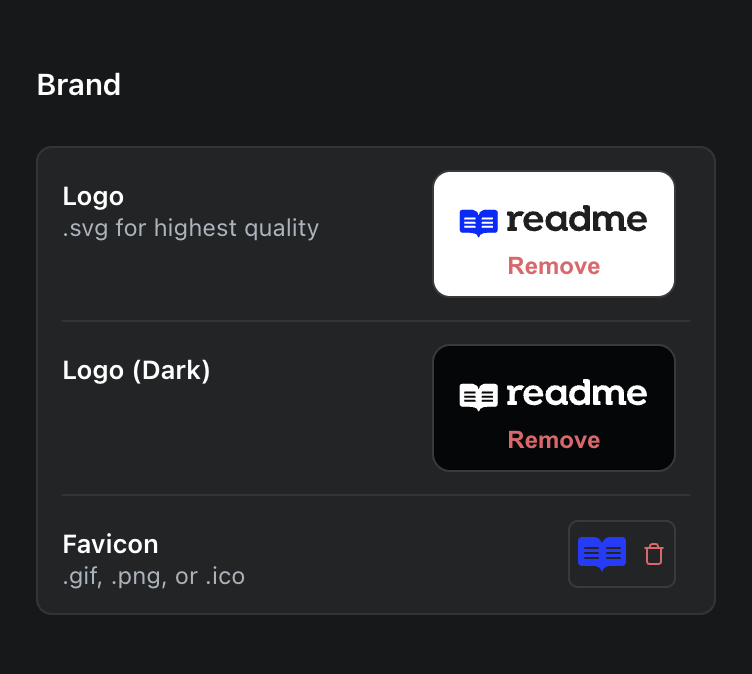
Logo
An option to upload a white logo is available when an alternative is needed for certain themes and header color settings.
Format
- SVG is preferred for the best quality.
- If your logo is too complex for an SVG, WEBP is a good alternative—use 2x of your desired logo size for clarity in high-resolution displays.
- GIFs are not supported.
- We recommend not including padding as part of your logo.
CSS Variables
- Customers with access to Custom CSS can use our global classes and css variables to tweak their logo display further:
.rm-Logo-img {
  --Header-logo-height: YOUR_CUSTOM_HEIGHT
}
Typography
Spacing
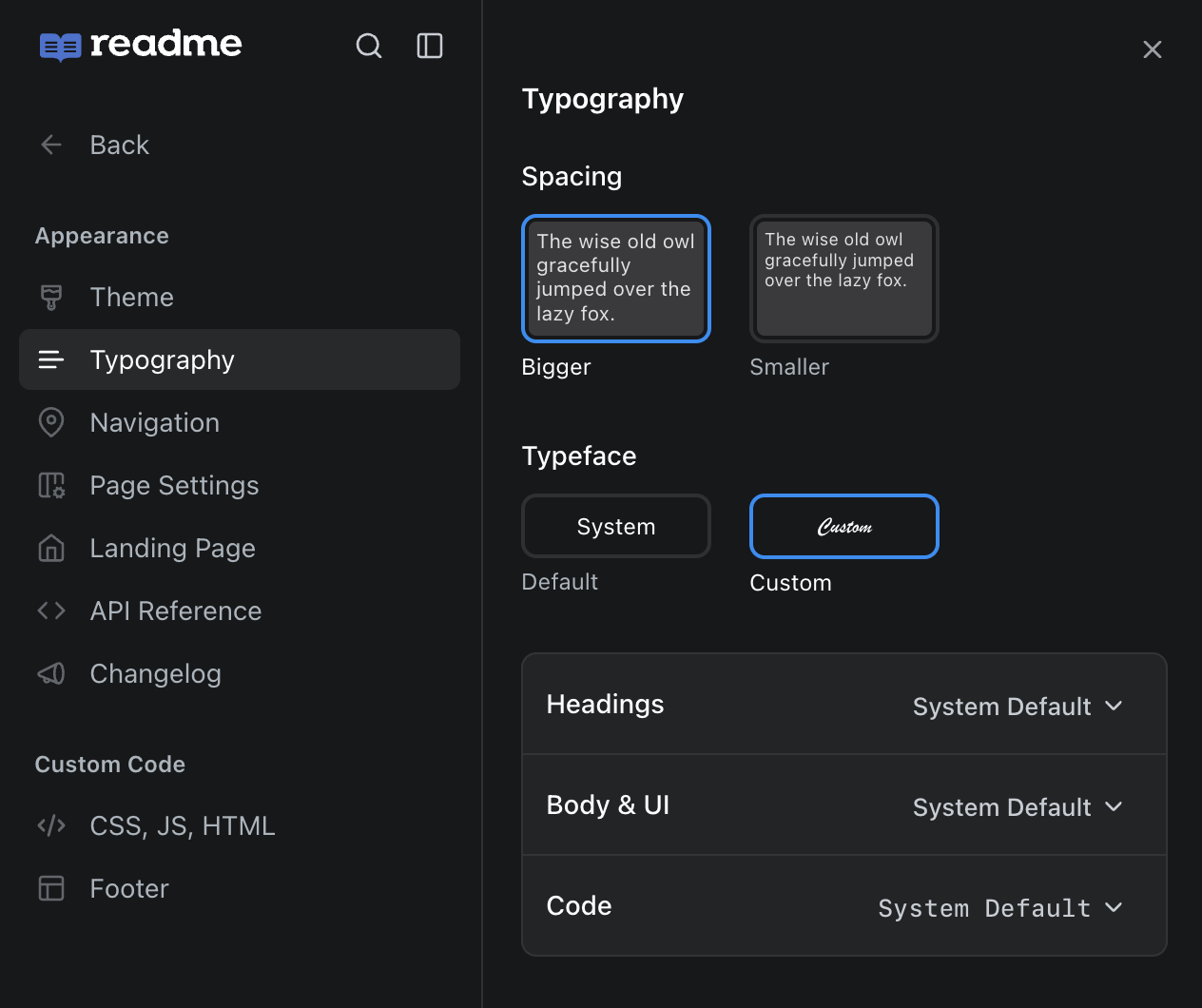
Choose between two spacing modes that control font size, line height, reading width, and overall content density:
| Setting | Description |
|---|---|
| Comfortable | Larger base font size (16px), wider heading scale, and a narrower reading width (~90 characters) for a more spacious feel. This is the default for all projects. |
| Condensed | Smaller base font size (15px), tighter heading scale, and a wider reading width (~110 characters) for a more compact layout. |
Typeface
You can choose between the default system typeface or select custom fonts for your docs. When selecting Custom, you can independently configure:
| Font Slot | Description |
|---|---|
| Headings | Font used for all heading elements (h1–h6). |
| Body & UI | Font used for body text and UI elements. |
| Code | Font used for inline code and code blocks. |
Custom fonts can be selected from Google Fonts, or customers on plans that support custom stylesheets can upload their own font files.
Updated 8 days ago